Motherboards button
Placas-mãe
Graphics Card button
Placa de video
Monitors button
Monitor Gamer
Power Supply button
Power Supply
Mini PC button
Mini PC
Industrial PC button
PC Industrial
Server/WS button
Servidores/Estações
Loading

Usamos cookies para oferecer uma experiência mais personalizada e suave.
Ao visitar este site, você concorda com o nosso uso de cookies. Se preferir não aceitar cookies ou exigir mais informações, visite nossa Política de Privacidade.

Perguntas Frequentes

Caso você saiba a categoria da sua dúvida, você pode escolher uma das categorias abaixo para perguntas frequentes. Catalogo:

Resultados:
Q (544): My system has hardware monitoring software installed, such as HWiNFO64. My computer fails to boot after restarting. What should I do?(5/14/2025)
A:On the AMD AM5 platform, restarting the system while hardware monitoring software is running may cause a reboot to fail.
If your system can boot normally but encounters issues during a restart, please close all hardware monitoring software and try restarting the system again.
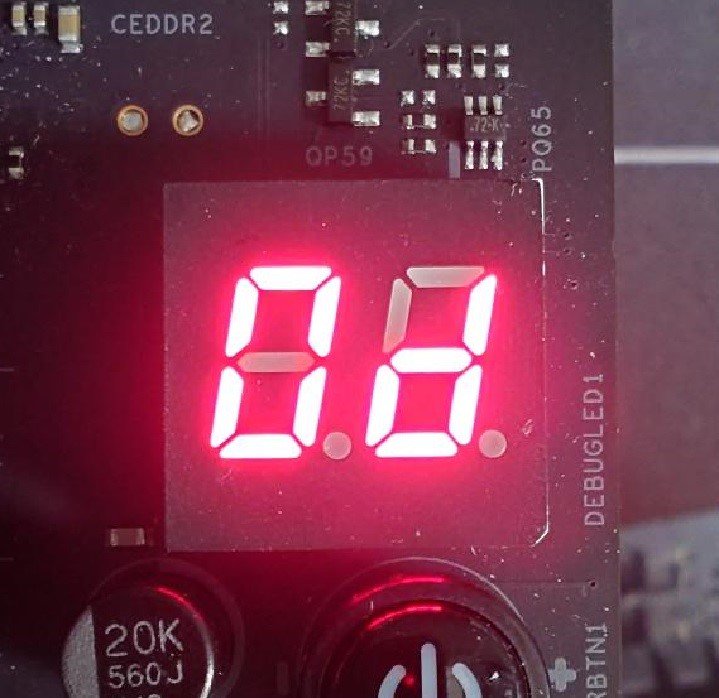
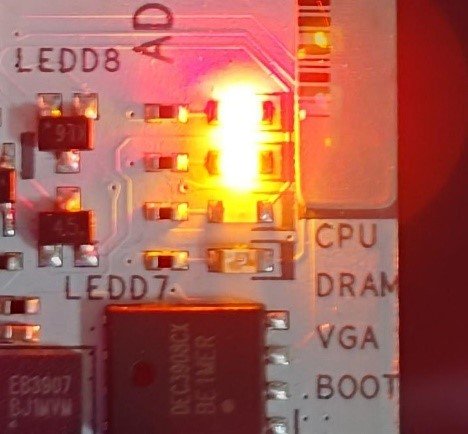
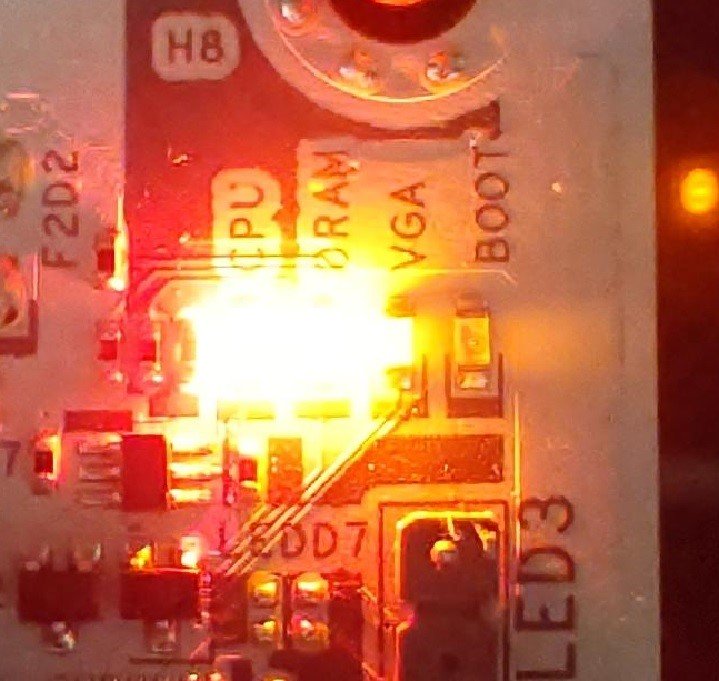
When the system fails to reboot properly, the motherboard's "Dr. Debug” display and "Post Status Checker (PSC)” may show the following statuses:

X870E Nova WiFi

X870 Pro RS

X870 Steel Legend WiFi

Dr. Debug display "0d”.

The CPU and DRAM LEDs will remain solidly lit.

The CPU LED will remain solidly lit, and the DRAM LED will blink.

Dr. Debug display The CPU and DRAM LEDs will remain solidly lit.The CPU LED will remain solidly lit, and the DRAM LED will blink.


#AM5 #reboot #Dr. #Debug #Post #Status #Checker #PSC