ASRock
Home | Global English Change
ASRock channel on YouTube
ION 330HT
ASRock, The Lead of P55!
Lucky Draw
Facebook

Model Name Finding

Motherboard SeriesNetTop SeriesMultiBook Series

Motherboard Series

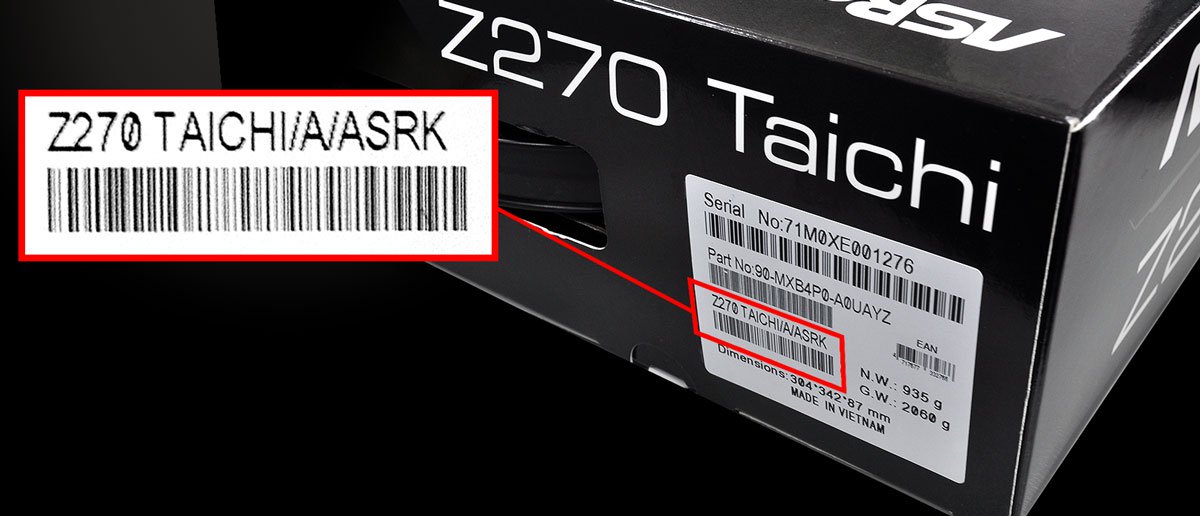
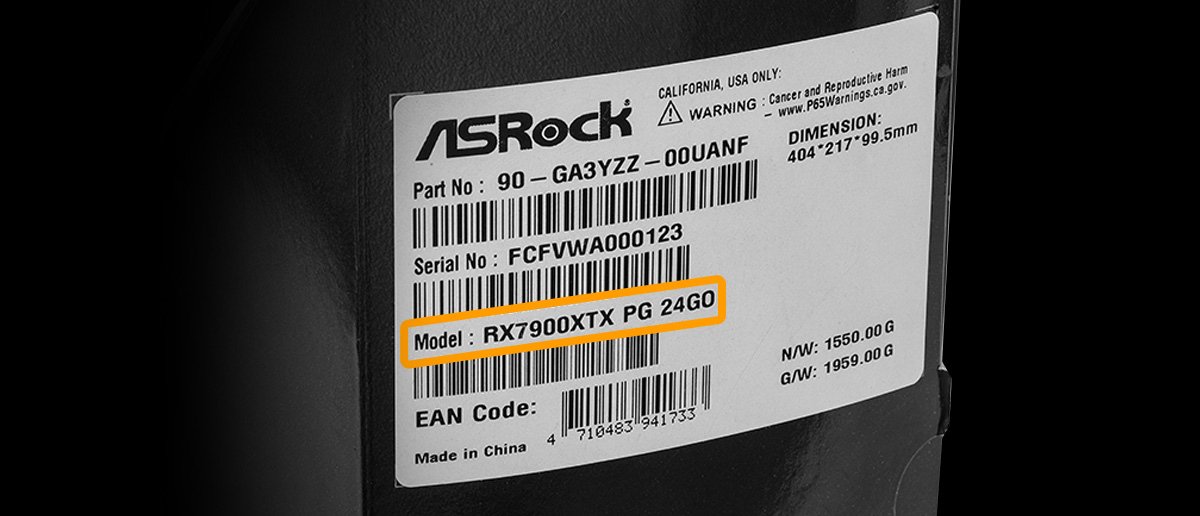
  1. Check the motherboard gift box, you will find the model name on the motherboard model sticker.
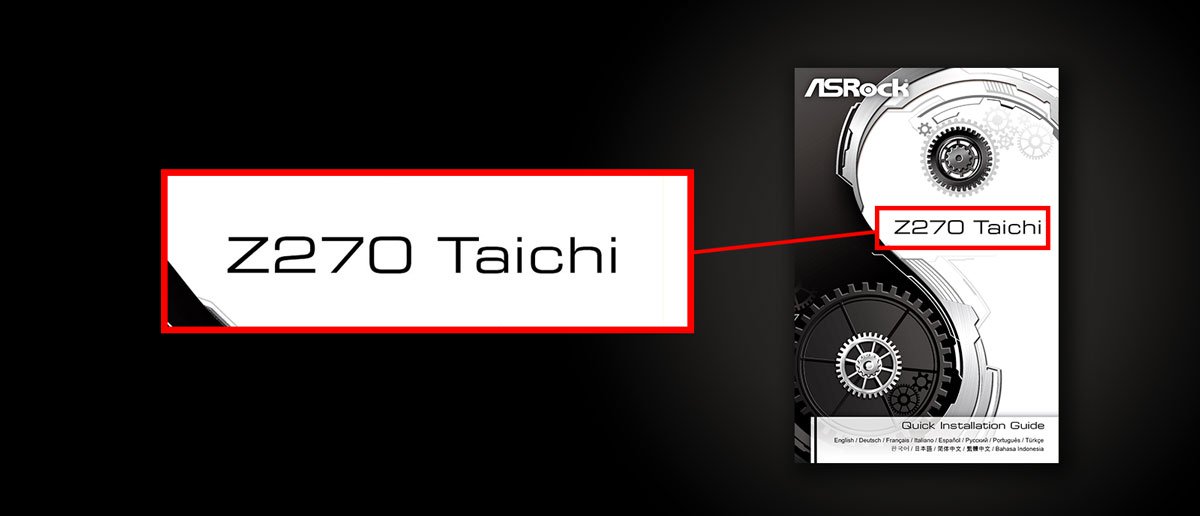
  2. Check the manual, the manual cover shows the model name.
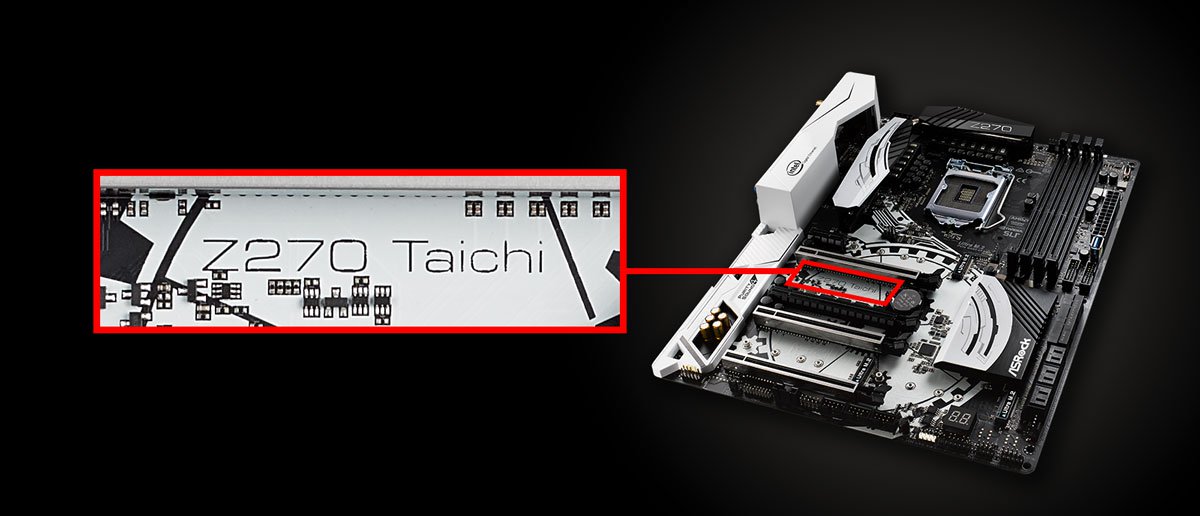
  3. You may find the printed model name on the motherboard PCB as well.
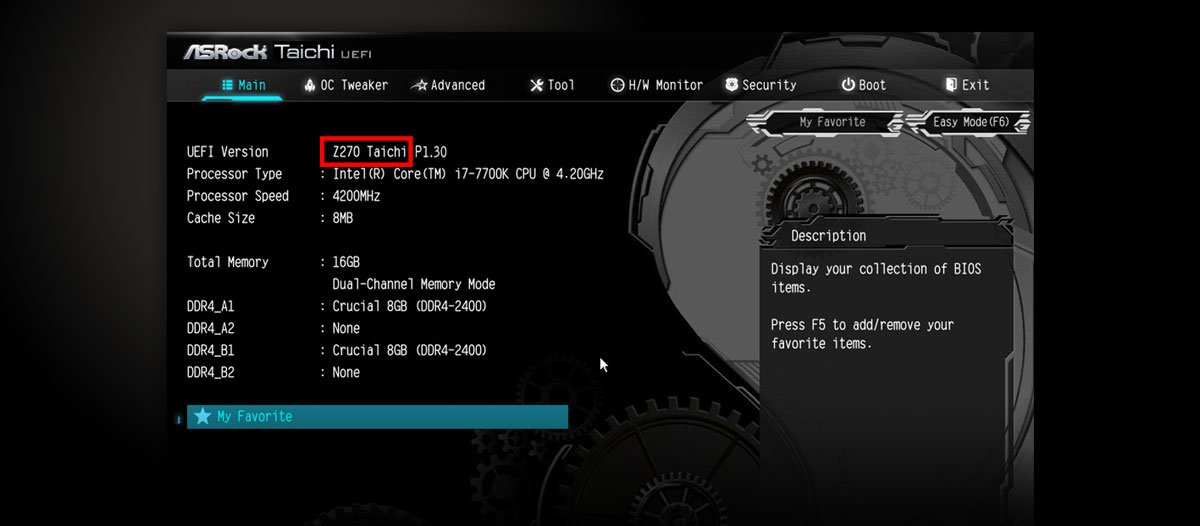
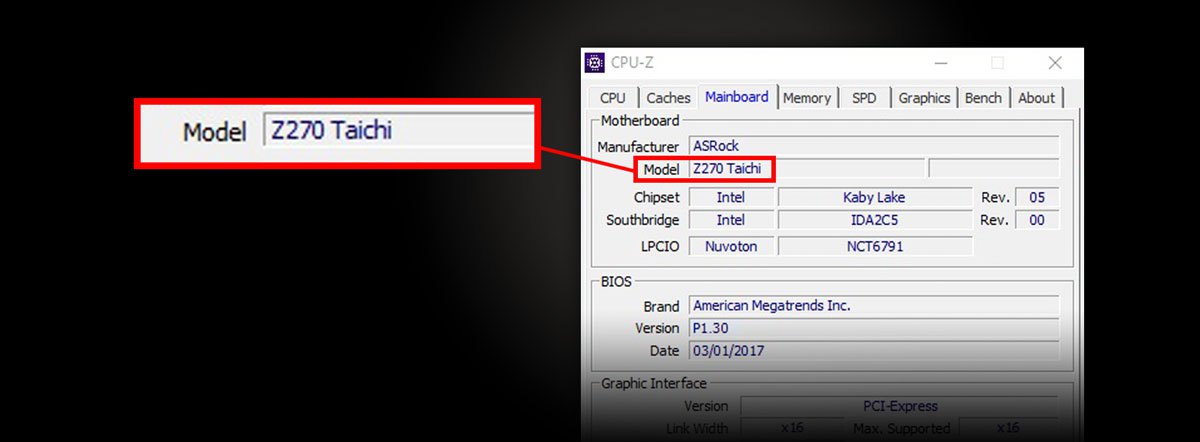
  4. Press "F2" during system boot up and get into the BIOS settings, you may find the model name from the BIOS version in the Main Page.
  5. During system boot up self-exam, when the system detect CPU information, press "Pause" button to pause the screen, you may find the model name from the top of CPU information as well.

NetTop Series

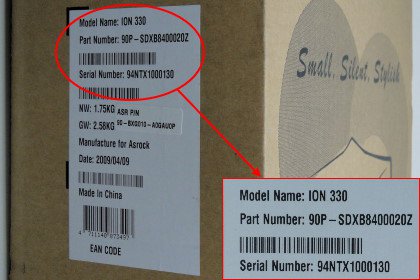
  1. Check the NetTop giftbox, you will find the model name on model sticker. The sticker is usually post on the flank side of giftbox.
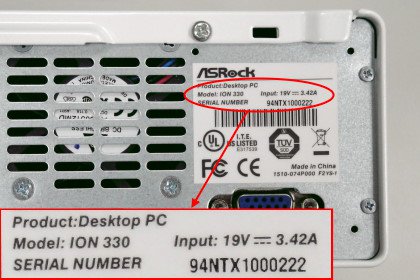
  2. Check the NetTop back side, you may find the model name on the NetTop model sticker. Ths sticker is usually shown on the right upper place of the NetTop back side.

MultiBook Series

  1. Check the MultiBook giftbox, you will find the model name on model sticker. The sticker is usually post on the flank side of giftbox.
  2. Check the MultiBook bottom side, you may find the model name on the MultiBook model sticker. Ths sticker is usually shown on the right upper place of the MultiBook bottom side.

© 2002-2009 ASRock Inc. All rights reserved. | Information published on ASRock.com is subject to change without notice.